Changes
Prices, rounding, stock, categories, tags and custom fields.
Add one or more changes. They run in the order shown, each one starting from the result of the one above.
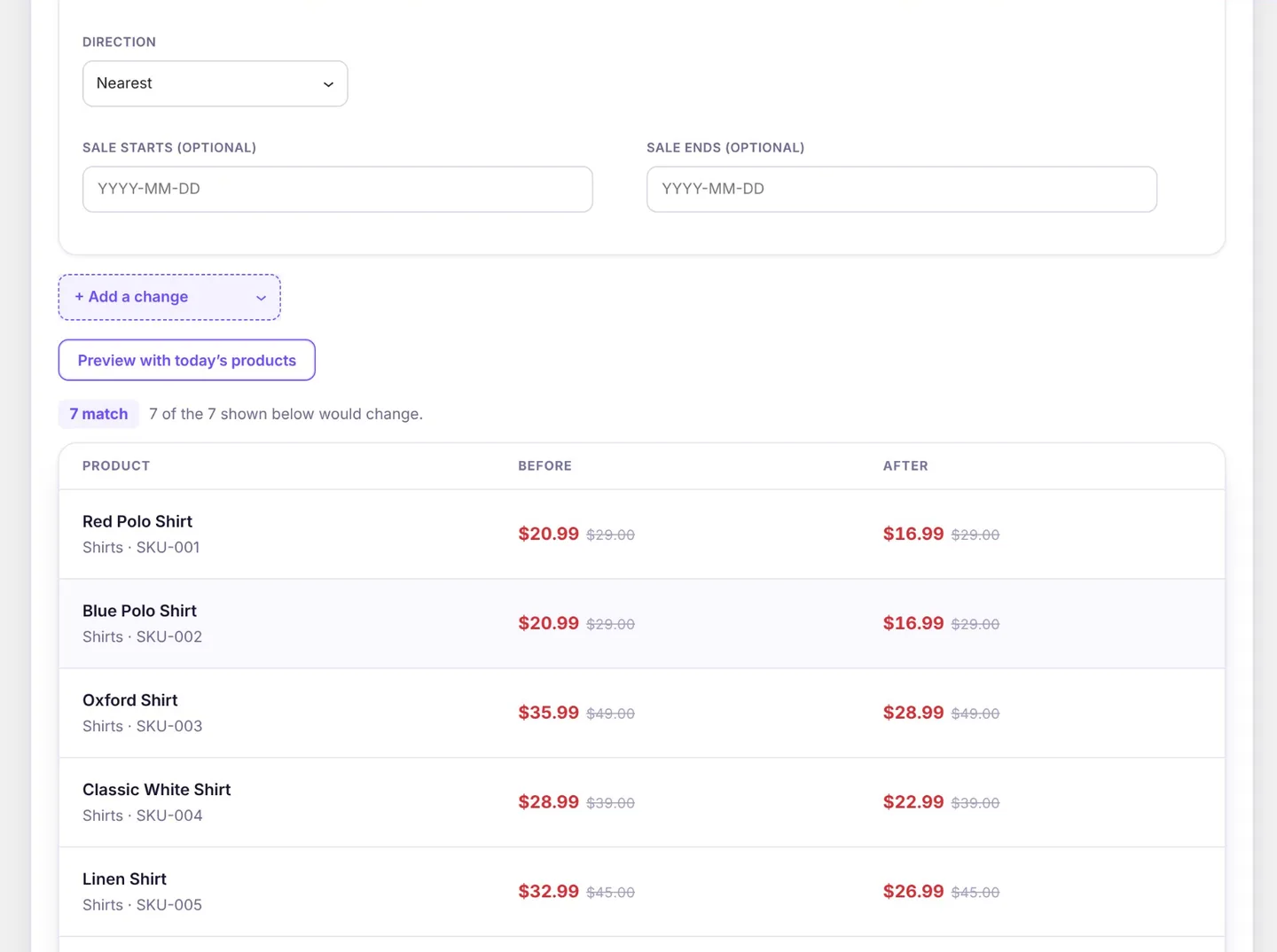
Prices
Regular price or Sale price can be:
- set to an amount,
- changed by a percentage (−20 is 20% off) or by an amount,
- or, for the sale price, removed.
Optional rounding: to the nearest step (0.05, 1, …), up or down, or to a price ending such as .99. A sale price can be given start and end dates.
A discount on the sale price starts from the regular price and never raises a deeper sale already in place: a product already 40% off keeps its sale price when the campaign offers 20%. Setting an exact sale price is not limited this way.
Stock
Set the quantity, add to or take from it (never below 0), set the stock status, or turn on stock management. For products that manage stock you can also set backorders and the low stock threshold (or clear it back to the store-wide one). Sold individually limits a product to one per order.
Status and visibility
Set the product status (published, draft, pending review, private), the catalog visibility (shop and search, shop only, search only, hidden), featured, whether reviews are allowed, and the menu order. These go on products, not variations.
Shipping
Set the shipping class, the weight, or any of length, width and height, in the store's units. Leave a value empty to clear it. When the rules match variations, the change goes on the variation.
Tax
Set the tax status (taxable, shipping only, none) and the tax class. Tax status goes on products; the tax class goes on variations too when the rules match them.
Categories, tags and brands
Add, remove, or replace. Brands are WooCommerce's own Brands.
Attributes
Add, remove, or replace the terms of a global attribute (Products › Attributes). Adding it to a product that lacks it shows it on the product page. Products that use the attribute for their variations are left alone, so no variation is orphaned.
Text
Find and replace (every match, with or without matching case), add text before or after, or replace all of it, in the name, short description, description and purchase note. For the SKU, find and replace or add before or after; SKUs cannot be set to one value, because each must be unique. A product whose new SKU is already taken fails on its own and the rest go ahead.
Upsells and cross-sells
Add, remove, or replace linked products. A product is never linked to itself.
Custom fields
Set or delete. Fields that WordPress or WooCommerce manage themselves (prices, stock, _edit_lock and similar) are refused, so the product stays consistent.