Preview, quick changes and undo
Check every product before it changes, run it in the background, undo it.
Preview
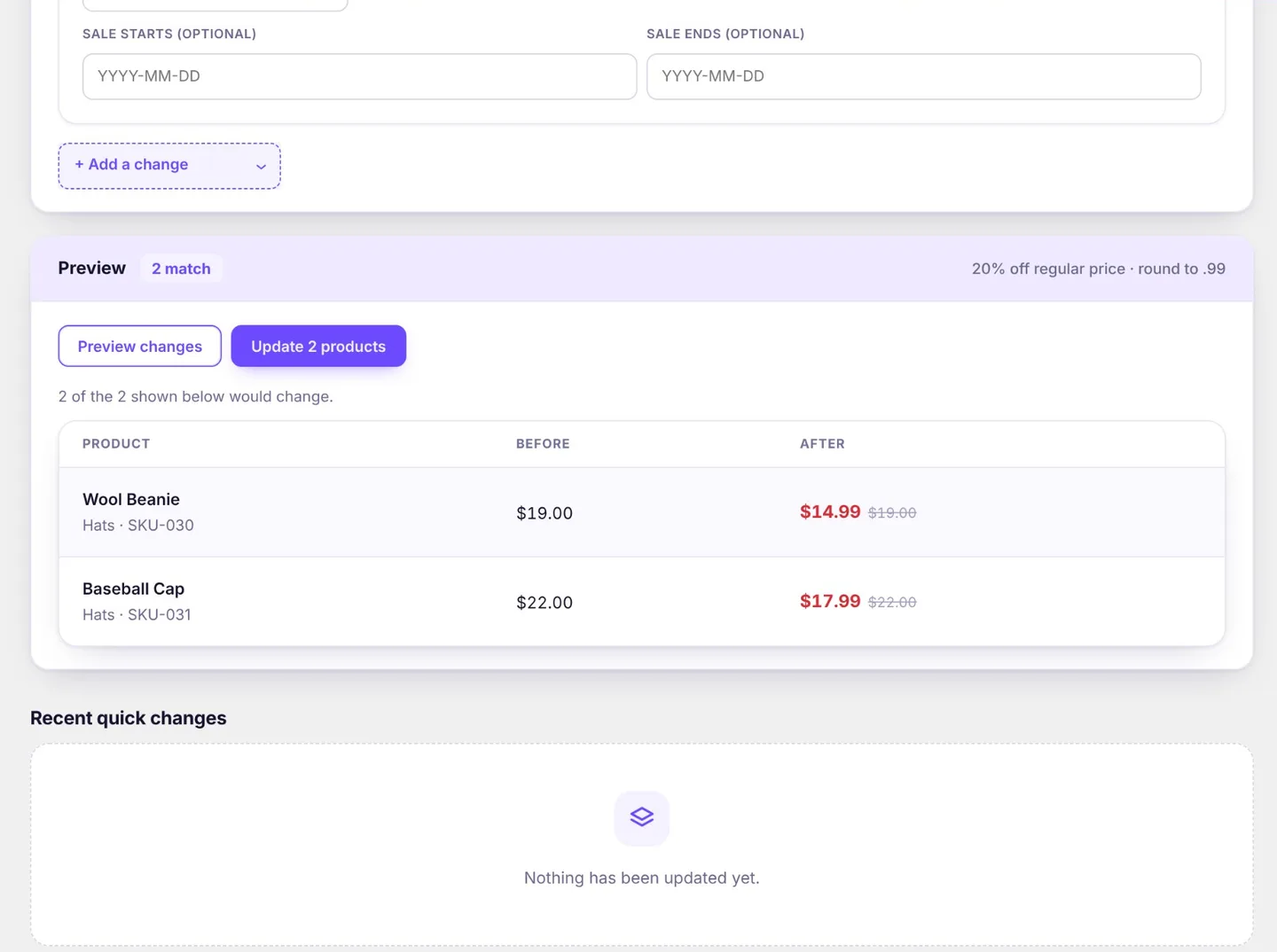
Before anything runs, Preview shows how many products match and, page by page, each product's values before and after. Products that need no change, or are skipped (with the reason, such as already on a deeper sale), are shown as such. Nothing changes until you run it.
Run a quick change
- Open Quick changes, choose the products and the changes, and check the preview.
- Click Run. Products change in the background in batches. You can leave the page; the progress is kept.
- Cancel stops after the current batch.
One quick change runs at a time.
Pro On a Dokan marketplace you can also let vendors make quick changes to their own products, and run campaigns on them, from their dashboard. See Compatibility.
Undo
Undo puts back every product the change touched. A value edited by hand since then is left as it is, so later work is never overwritten. The results list those products as Left as is (edited since).