Choosing products
Rules, groups, variations and which product statuses are included.
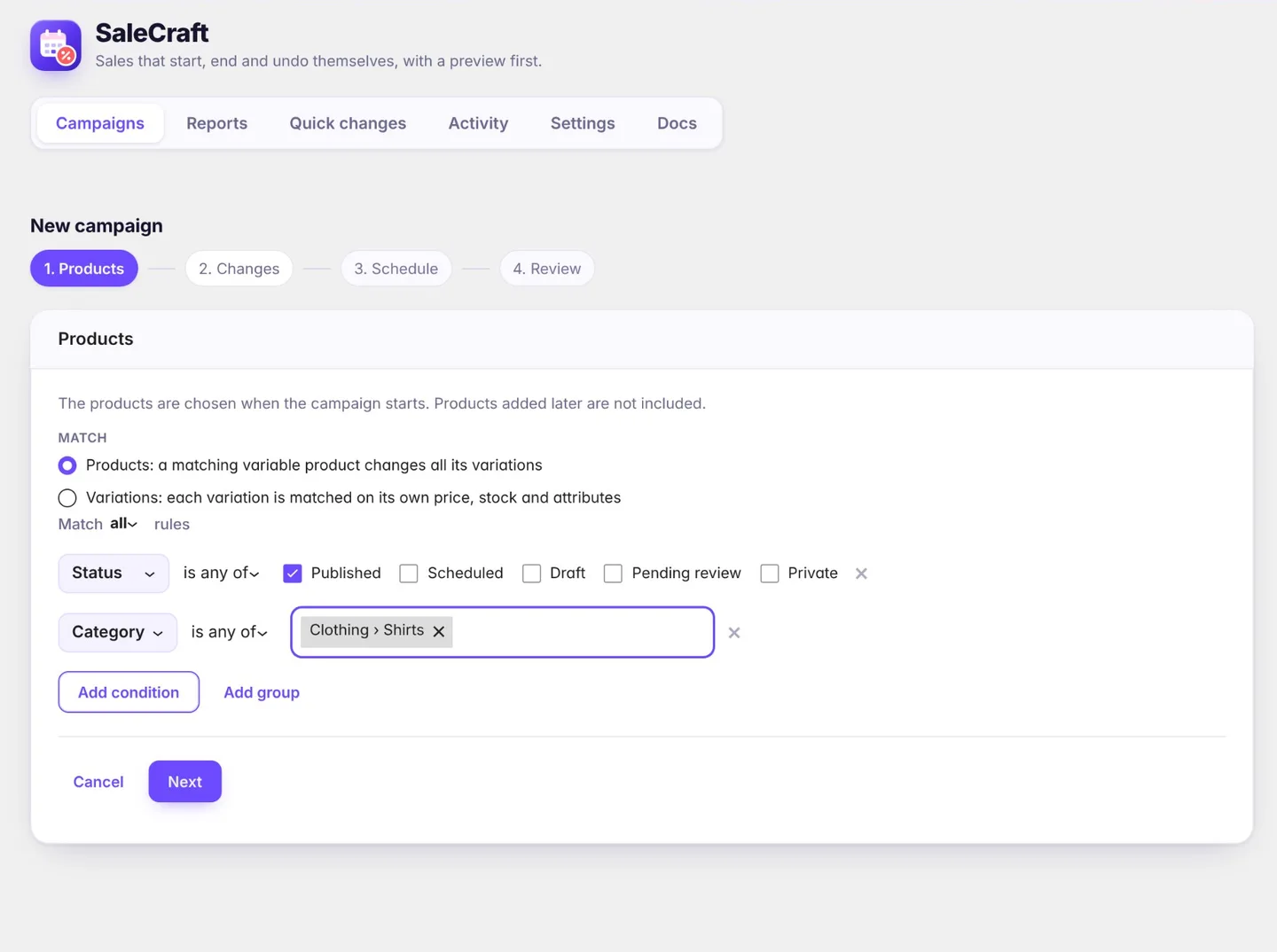
Both campaigns and quick changes choose products with rules. A rule is a field, a condition and a value: Category is any of Shirts, Polos; Price is at least 20; Stock status is In stock. Rules can be grouped, and each group matches all or any of its rules.
Fields and conditions
| Field | Conditions |
|---|---|
| Product ID | is one of |
| Category, Tag, Attribute (for example Color) | is any of, is none of |
| Price, Stock quantity | equals, does not equal, is less than, is at most, is more than, is at least, is between |
| Stock status | is one of, is none of (in stock, out of stock, on backorder) |
| Status | is any of, is none of (published, scheduled, draft, pending review, private) |
| On sale | yes or no |
| Date created, Date modified | before, after, on or before, on or after, between (store time) |
| Custom field | equals, does not equal, is one of, is none of, contains, is less than, is at most, is more than, is at least, exists, does not exist |
| Pro Vendor (with Dokan) | is any of, is none of (stores, by name) |
Category rules include subcategories. Attribute rules work with global attributes (Products › Attributes).
Matching everything
An empty rule set matches nothing, so a mistake never changes the whole catalog. To change every product, click Match all products.
Products or variations
For variable products you choose what the rules look at:
- Products (the default): rules match the product, and the changes apply to all its variations.
- Variations: rules match each variation on its own, so Size is L and Price is at least 30 pick individual variations.
Only published products, unless you say otherwise
Every new quick change and campaign starts with the rule Status is any of Published, so drafts, products pending review, private and scheduled products are left alone.
- To include them, add their status to that rule, for example to prepare a sale on products you will publish for Black Friday.
- Remove the rule to include every status.
- A status rule on its own does not choose products: add at least one other rule, or use Match all products.
- For variations, the status is their product's. Trashed products are never chosen.
The preview shows exactly which products the rules match.