Introduction
What the plugin does, where to find it and how a sale is set up.
SaleCraft schedules WooCommerce sales that start, end and undo themselves. You choose the products and the discount, see every product before and after, and pick a start and an end. At the start the prices change; at the end they go back, keeping anything you edited by hand in the meantime. A Black Friday sale that starts at midnight and ends on Monday night needs nobody awake.
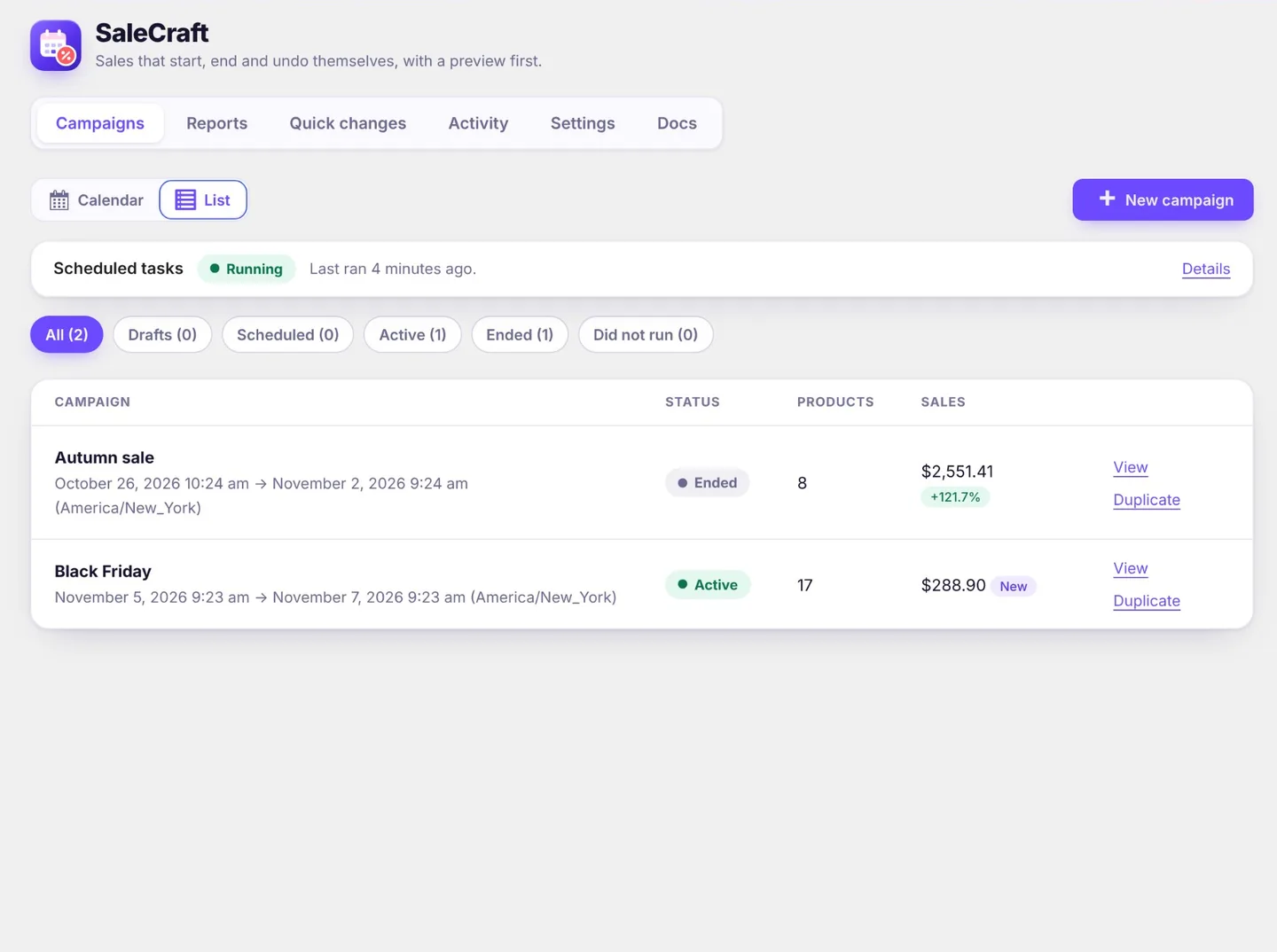
- Campaigns: sales and other timed changes, laid out on a calendar, with priorities when two cover the same products.
- Pro Reports: what each sale brought in, next to the same length of time before it.
- Quick changes: the same product rules and changes, run right away instead of on a schedule. Undo puts everything back.
Where to find it
Everything is under WooCommerce › SaleCraft, in six tabs:
- Campaigns: the campaign calendar (or a list), and each campaign's page with its results and sales report.
- Pro Reports: every campaign that has run, compared side by side.
- Quick changes: changes that run straight away and can be undone.
- Activity: who did what and when.
- Settings: the lowest price label, Dokan vendor features and what happens to your data when the plugin is deleted.
- Docs: this documentation, also on the Plugins screen under Docs.
Only users who can manage WooCommerce (shop managers and administrators) can use it.
How it works
- Choose products. Build a filter with rules such as Category is Clothing and Price is at least 20. See Choosing products.
- Choose the change. For example 25% off the regular price, rounded to .99. See Changes.
- Preview. See every product before and after, and anything that will be skipped.
- Schedule it, or run it now. A campaign starts and ends on its own, or you revert it early; a quick change runs at once and can be undone.
- Pro See how it went. The campaign's sales report compares it with the days before, and the Reports tab compares your campaigns with each other.
Safety first
- Hand edits are kept. Undo and campaign ends restore only values that still hold what the plugin set. If someone changed a price by hand in the meantime, that edit stays and the result says so.
- Deeper sales are never raised. A 20% campaign does not replace an existing 40% sale.
- Safe defaults. New filters include published products only, and an empty filter matches nothing.
- Self-healing background work. If a batch is interrupted, it restarts where it stopped. Nothing is applied twice.
Start with Installation.